







Whether you’re promoting your grooming business, managing your barn’s social media, advertising a service, or simply sharing photos of the horses you care for, the way you present your content matters.
A clean, well-designed post catches attention, communicates your message more clearly, and creates a professional first impression.
Professional designers spend years learning branding, typography, color theory, composition, and visual storytelling. Those skills are what turn a good design into a great one.
Fortunately, you don’t need to become a professional designer to create attractive, well-organized graphics for everyday use. Modern tools like Canva make it possible to create polished content yourself, especially once someone shows you where to begin.
That’s exactly what this workshop is about.
Why We Decided to Organize This Webinar
The idea came directly from our recent Barn Maids webinar about creating checklists and Standard Operating Procedures (SOPs) for better barn management. During that session, Barn Maids Founder Jessica Jackson demonstrated how easy it is to customize checklists and SOPs in Canva. Participants loved the possibilities, but we also noticed that for many people, Canva was a big hurdle. People could immediately see how useful it was, but they didn’t know where to start or how to use it.
Rather than expecting everyone to figure it out on their own, we thought it would be helpful to organize a practical beginner workshop dedicated entirely to Canva. Because, even if you don’t want to create checklists and SOP’s, upgrading your social media posts is always helpful, right?
What Is Canva?
If you’ve heard people mention Canva but have never actually used it, you’re not alone. Canva is a free online design platform that allows anyone to create professional-looking graphics without needing advanced design skills. Instead of starting with a blank page, Canva provides thousands of ready-made templates that you can customize with your own text, photos, colors, logos, and branding.
People use Canva every day to create:
- Instagram and Facebook posts
- Stories and reel covers
- Barn checklists and SOPs
- Flyers and posters
- Presentations
- Price lists
- Business cards
- Resumes
- Certificates
- Newsletters
- And much more
Once you understand the basics, you’ll probably find yourself using Canva for all kinds of personal and professional projects.
Why Should Grooms Learn Canva?
Many grooms today wear more than one hat. Besides caring for horses, they may also help manage a barn’s social media, create promotional materials, organize stable documents, or run a business of their own.
Canva is a valuable tool if you:
- Manage the social media accounts for your barn or rider.
- Own a clipping, braiding, grooming, bodywork, photography, or other equestrian business.
- Advertise your freelance grooming services.
- Create barn schedules, checklists, or educational materials.
- Want your SOPs and stable documents to look more organized and professional.
- Want to make your own social media channel look good
- Simply enjoy learning practical new skills.
You don’t have to design everything from scratch. Learning how to use Canva gives you the confidence to create graphics that look polished, communicate clearly, and reflect the professionalism you already bring to your work.
What You’ll Learn
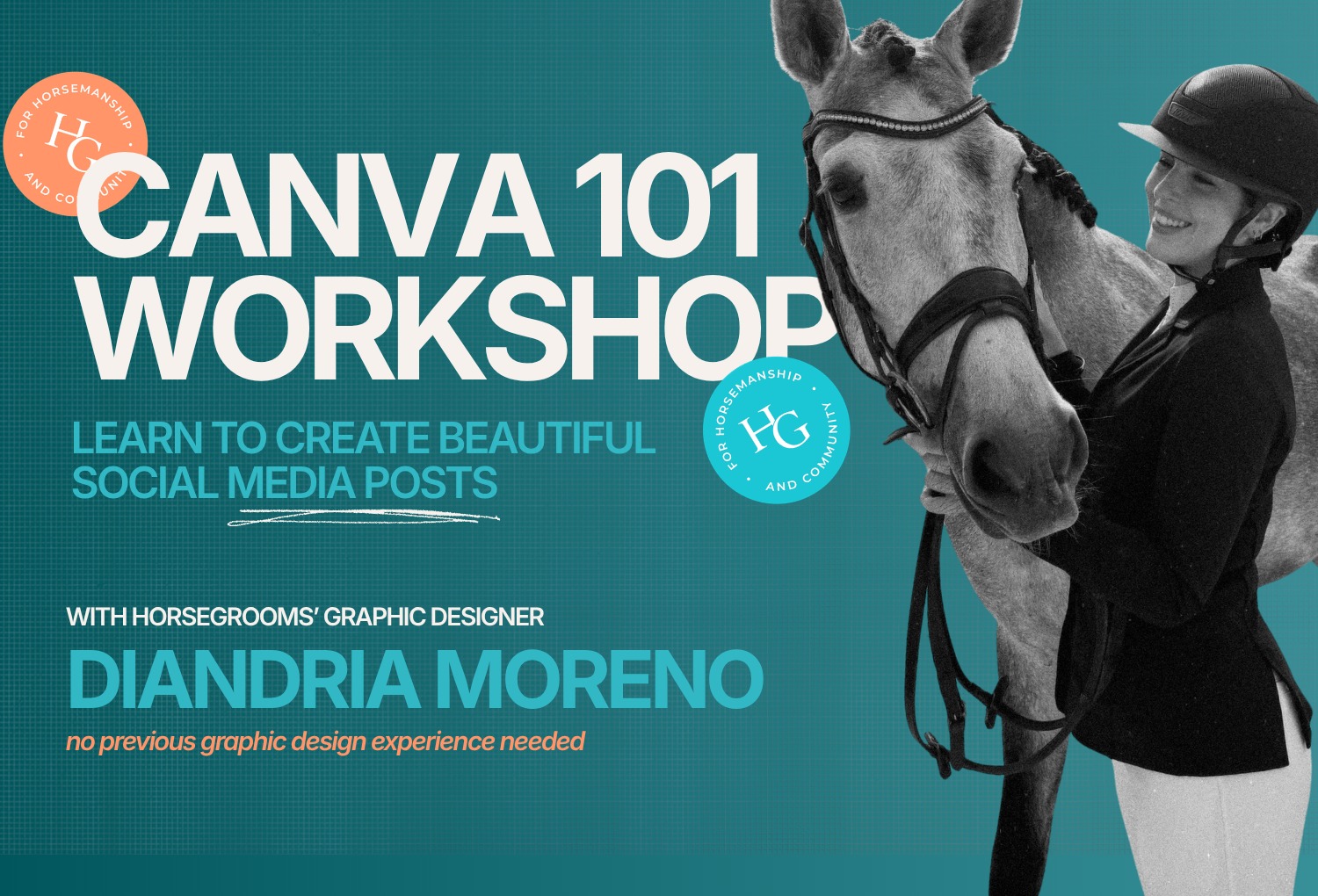
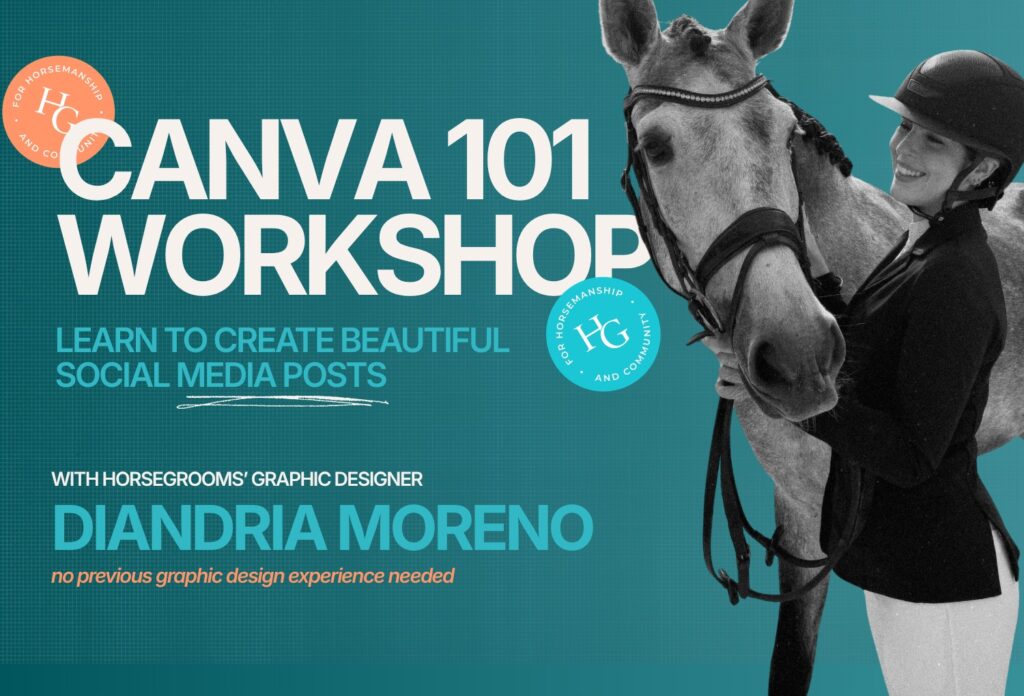
Canva is an incredibly powerful platform, and trying to cover everything it can do in one webinar would leave everyone overwhelmed. Instead, we’re focusing on one practical project. During this interactive workshop, HorseGrooms’ designer Diandria Moreno Woodland will guide you step by step through creating a beautiful Instagram post from start to finish.
You’ll build your own post while following along and learn:
- How to navigate Canva
- How to use and customize templates
- How to work with colors, fonts, and photos
- Simple design principles that immediately improve your graphics
- Tips for creating clean, professional-looking social media posts
The goal isn’t to make everyone a graphic designer. The goal is to help you feel comfortable using Canva and give you the confidence to continue creating attractive content on your own. Bring your laptop (better than a phone in this case), log into Canva, and create alongside us. No previous Canva or graphic design experience is required.
Meet Your Instructor
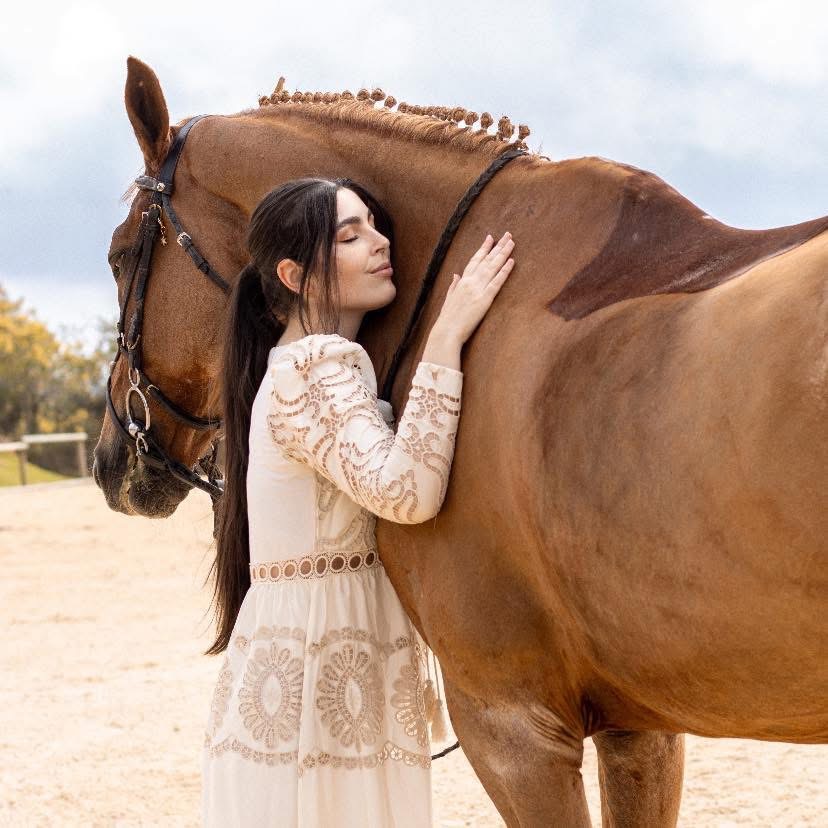
Diandria Moreno Woodland is HorseGrooms’ current designer. She is a professional graphic designer and Art Director from Colombia, specializing in branding, creative strategy, and visual storytelling for the equestrian industry.
With years of experience leading creative projects across fashion, lifestyle, and equestrian brands, she combines strategic thinking with refined design to create brands that are both distinctive and enduring. Her work includes brand identity, campaign direction, content strategy, digital marketing, and creative production, helping businesses elevate their presence while staying true to their values.
As a lifelong equestrian, Diandria understands both the horse world and the creative world, making her the perfect person to introduce grooms to Canva in a practical and approachable way.
Webinar Details
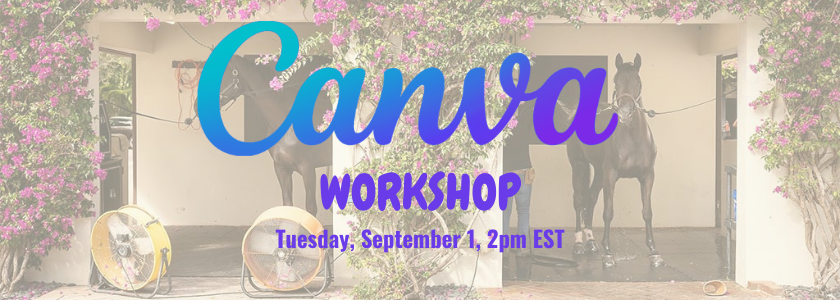
Date: Tuesday, September 1
Time: 2:00 PM Eastern Time
Location: HorseGrooms Community
Free for HorseGrooms Insiders
$5 for non-Insiders
Your registration helps HorseGrooms continue developing educational resources, webinars, workshops, and practical tools for grooms around the world.
Bring your laptop, create alongside us, and discover how Canva can become a valuable tool for your barn, your business, or your personal social media.

Become a HorseGrooms Insider
HorseGrooms Insiders receive free access to this webinar, along with other exclusive educational webinars, live Q&A sessions with industry experts, mentorship opportunities, discounts from our partners, and an ever-growing library of educational resources.
If you’re looking to continue learning, connect with other passionate grooms, and keep developing your skills, we’d love to welcome you as an Insider.
You can learn more about Insiders here or become an Insider here. Use code GROOMSROCK for 10% off your membership.
HorseGrooms is a platform of resources, education, and support for grooms by grooms. This is an online community, hub of resources, and spotlight of industry highlights born out of love for the horse and love for the sport. But our mission goes beyond simply providing resources and creating content.
Our goal is to create a space to keep horsemanship alive; for grooms to support and educate each other; and to help advance the craft of grooming. HorseGrooms is dedicated to ambitious grooms everywhere.